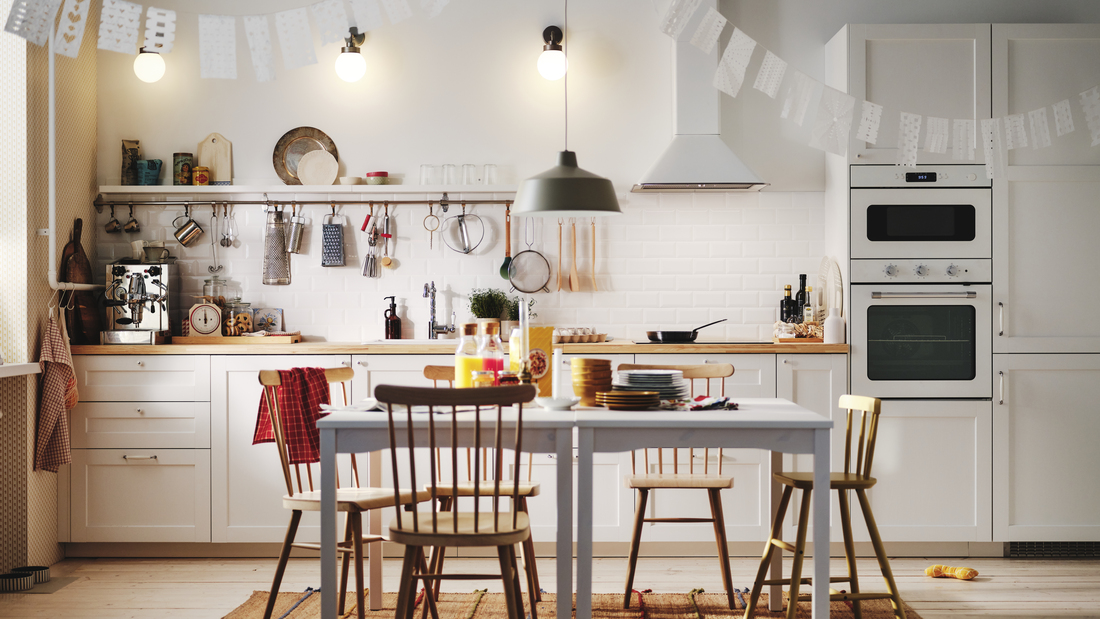
A digital scale makes it easier to measure the weight of ingredients, whether you are preparing meals or measuring items for everyday household needs. The digital display allows you to read the measurement clearly without interpreting a needle on a dial.
Although it may seem simple to use, a digital scale requires proper handling to ensure consistent results. Its position, the surface it rests on, and the selected unit of measurement can all affect the weighing process.
Read the following guide to learn how to use a digital scale correctly, from preparing the device to weighing ingredients.
Every digital scale has its own maximum capacity and level of accuracy. Check the product specifications and make sure the display shows the correct unit of measurement before weighing anything.
Understanding digital scales and their units of measurement
A digital scale is a device that measures an object's mass and displays the result numerically on an electronic screen. It can be used to weigh cooking ingredients such as flour, sugar, and coffee, with readings that are easy to understand.
Available units depend on the scale model. Common units include:
- Grams (g): Suitable for weighing small amounts of ingredients, such as spices, flour, or coffee.
- Kilograms (kg): Useful for measuring heavier ingredients or objects.
- Ounces (oz): Used by some scales and recipes that follow the imperial system; this differs from the ons commonly used in Indonesia.
In the metric system, 1 kilogram equals 1,000 grams. In Indonesia, 1 ons equals 100 grams, while 1 ounce (oz) is approximately 28.35 grams. Check the unit symbol on the display to avoid measurement errors.
Read also: Choices of kitchen tools to make cooking activity more enjoyable
How to use a digital scale correctly
Using a digital scale involves just a few simple steps. Follow this guide to make weighing easier and achieve consistent results.
1. Place the scale on a flat surface
Set the scale on a level, sturdy, and dry countertop. Avoid slanted or unstable surfaces, as these can affect the readings.
2. Turn on the scale and select a unit
Press the power button and wait until the display shows zero. Select the appropriate unit for your needs, such as grams or kilograms, using the unit button if available.
3. Use a container if needed
Place an empty container on the scale before adding ingredients. Press the tare button or reset the display to zero so the container's weight is not included. This feature helps you measure the ingredients alone.
4. Add ingredients gradually
Add the ingredients to the container until you reach the required weight. If you are weighing several ingredients in the same container, use the tare function each time you want to reset the reading to zero.
5. Check the reading before continuing
Make sure the display has stabilised before recording the measurement or adding the next ingredient. Check the selected unit and the scale's maximum capacity as well.
What to keep in mind when weighing ingredients
In addition to following the correct steps, these habits can help you achieve consistent readings:
- Check the maximum capacity: Do not weigh items that exceed the scale's weight limit, as this may affect its function.
- Use a suitable container: Avoid placing ingredients directly on the scale if they could leave residue, especially liquids, sticky ingredients, or powders.
- Clean the scale after use: Follow the product's care instructions and avoid getting the electronic components wet.
- Check the battery: If the display becomes dim or the readings seem inconsistent, check the battery according to the user instructions.
- Keep the scale still while weighing: Leave it on a stable surface until the reading appears on the display.
Read also: 15 must-have kitchenware for home chef
A digital scale for everyday kitchen needs
If you often bake or prepare recipes that require precise measurements, a digital scale can help you measure ingredients accurately. Here is one option to consider.
1. GENOMSNITT scale

For everyday cooking, the GENOMSNITT scale has a maximum capacity of 3 kg and measures 20 × 15 × 2 cm. Its top surface is made of tempered glass, while the underside is made of polystyrene plastic.
The thermoplastic elastomer feet help keep the scale in position on the countertop. Its compact size also makes it easy to place on a kitchen counter or store away after use.
Make everyday kitchen tasks easier with a digital scale
Weighing ingredients accurately can help you follow recipes and prepare the right quantities for your cooking needs. By selecting the correct unit and placing the scale on a flat surface, you can make the weighing process more convenient.
To make cooking easier, choose kitchen equipment that suits your needs and everyday habits. A scale with an appropriate capacity and an easy-to-read display can be useful when measuring different ingredients.
Visit IKEA.co.id for inspiration and kitchen essentials to support your everyday activities at home.